Understanding the Motherboard: A 5-Minute Tour
5 MIN READ · JUL 22, 2026
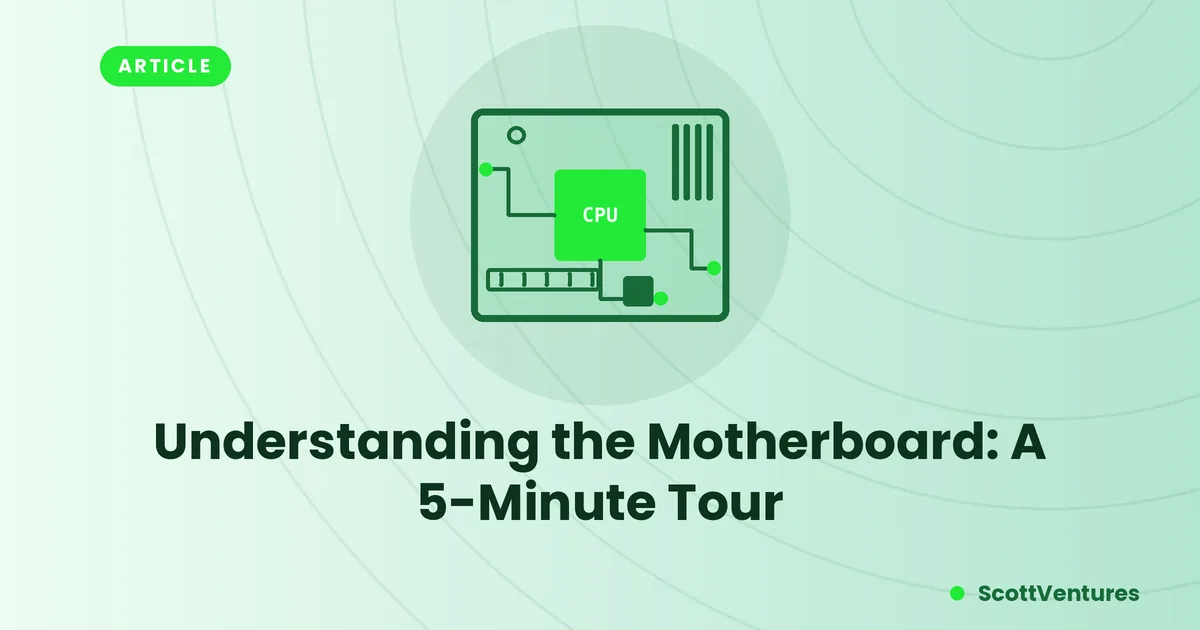
Every component in your PC ultimately connects back to one board. Here's what the major pieces actually do, in the order power and data flow through them.
The socket: where the CPU sits
The CPU socket is the single most defining feature of a motherboard — it determines exactly which processors are physically compatible. Sockets change between CPU generations, which is why a new processor sometimes forces a new motherboard purchase even if everything else in your build still works fine.
VRMs: the CPU's power translator
Your power supply delivers electricity at voltages the CPU can't use directly. Voltage Regulator Modules (VRMs) — the cluster of small components near the CPU socket, usually under a heatsink — step that voltage down and keep it stable under load. Cheap VRMs are a common bottleneck in budget boards paired with power-hungry CPUs, since they can overheat or fail to deliver clean power during sustained heavy use.
The chipset: the traffic controller
The chipset manages communication between the CPU and everything else — storage, USB ports, expansion slots. It's a separate chip from the CPU itself, usually sitting under a smaller heatsink lower on the board. Different chipset tiers unlock different features, like how many drives you can install at full speed or whether overclocking is supported.
Why this matters when buying: two boards with the same CPU socket can have very different chipsets — one might support far more NVMe drives or USB ports than another, even though both fit the exact same processor.
RAM slots and dual-channel memory
Most modern boards have four RAM slots, color-coded in pairs. Installing two matched sticks in the correct paired slots (check your manual — it's not always the two nearest each other) enables dual-channel mode, which roughly doubles the memory bandwidth compared to running the same total RAM in a single stick.
Expansion slots: PCIe
The long slots below the CPU socket are PCIe (Peripheral Component Interconnect Express) — used for graphics cards, and increasingly for high-speed storage and networking cards too. Slot length indicates the physical size (x16, x4, x1), but doesn't always match the actual bandwidth wired to it — some x16-length slots only run at x4 speeds, which matters if you're using them for anything bandwidth-sensitive.
The traces themselves
Every copper line etched into the board is a trace — a physical wire connecting components. High-speed traces (like those for RAM or PCIe) are deliberately routed at matched lengths, sometimes in visible zigzag patterns, because even a few millimeters of difference can throw off timing at the speeds modern components operate at.
Comments