Two-Factor Auth: What It's Actually Protecting You From
2 MIN READ · JUN 10, 2026
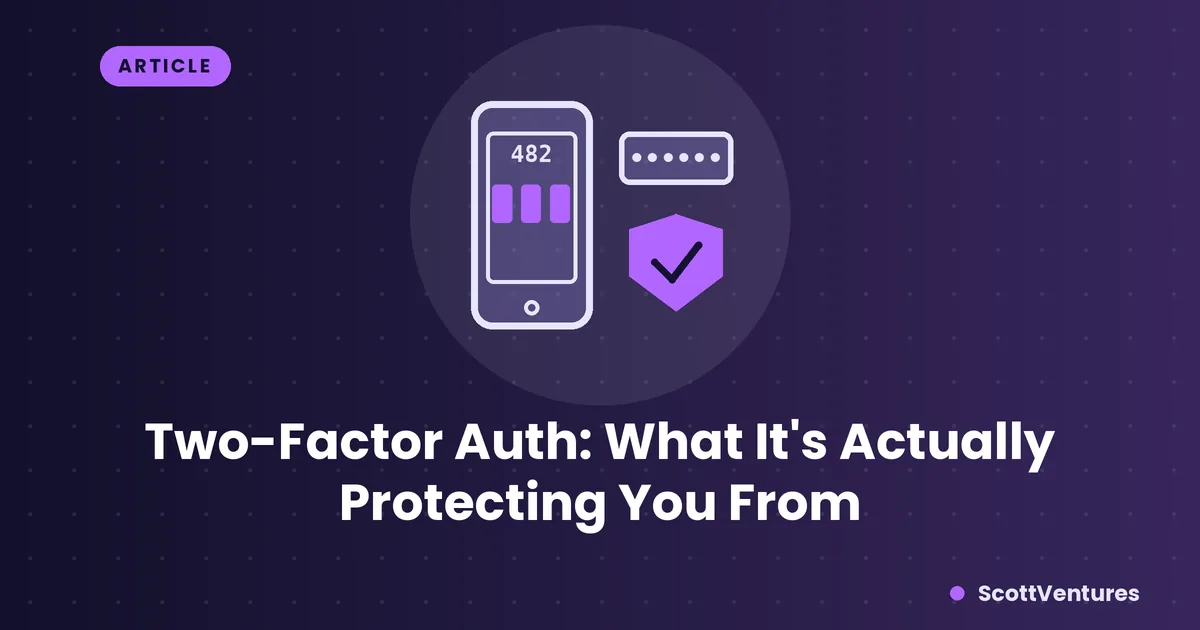
A password proves you know something. Two-factor authentication adds a second check that proves you also have something — usually your phone — so a stolen password alone isn't enough to get in.
What "factors" actually means
Security is usually grouped into three kinds of proof: something you know (a password), something you have (a phone, a security key), and something you are (a fingerprint). Two-factor auth combines two different kinds — almost always "know" plus "have." That combination is what makes it effective: a leaked password database alone no longer gets an attacker in.
SMS codes: better than nothing, not the best option
Text-message codes are the most common form of 2FA because every phone can receive them, no app required. The weakness is SIM swapping — a social engineering attack where someone convinces your carrier to transfer your phone number to a SIM card they control, letting them receive your codes directly. It's not common, but it's a real, documented attack specifically against SMS-based 2FA.
Authenticator apps: the stronger default
Apps like Google Authenticator, Authy, or 1Password generate a new 6-digit code every 30 seconds, calculated locally on your device using a shared secret set up when you first enabled 2FA. Nothing gets sent over your phone network, so there's nothing to intercept or redirect — that's the core reason they're considered more secure than SMS.
Setting one up: when a site shows you a QR code for 2FA setup, scanning it with an authenticator app is what creates that shared secret — the app and the site both then generate matching codes independently, without any network communication between them at all.
The strongest option: hardware keys
Physical security keys (like a YubiKey) go a step further — the "have" factor is an actual physical device you plug in or tap, and the cryptographic exchange happens in a way that's resistant to phishing, since a fake login page can't replicate what the key does. They're the gold standard, though most people find an authenticator app is a solid, much easier-to-adopt middle ground.
The one habit worth adopting
Whichever method you use, save your backup codes somewhere safe when you set up 2FA. If you lose access to your phone and never saved them, recovering the account can range from annoying to genuinely impossible depending on the service.
Comments