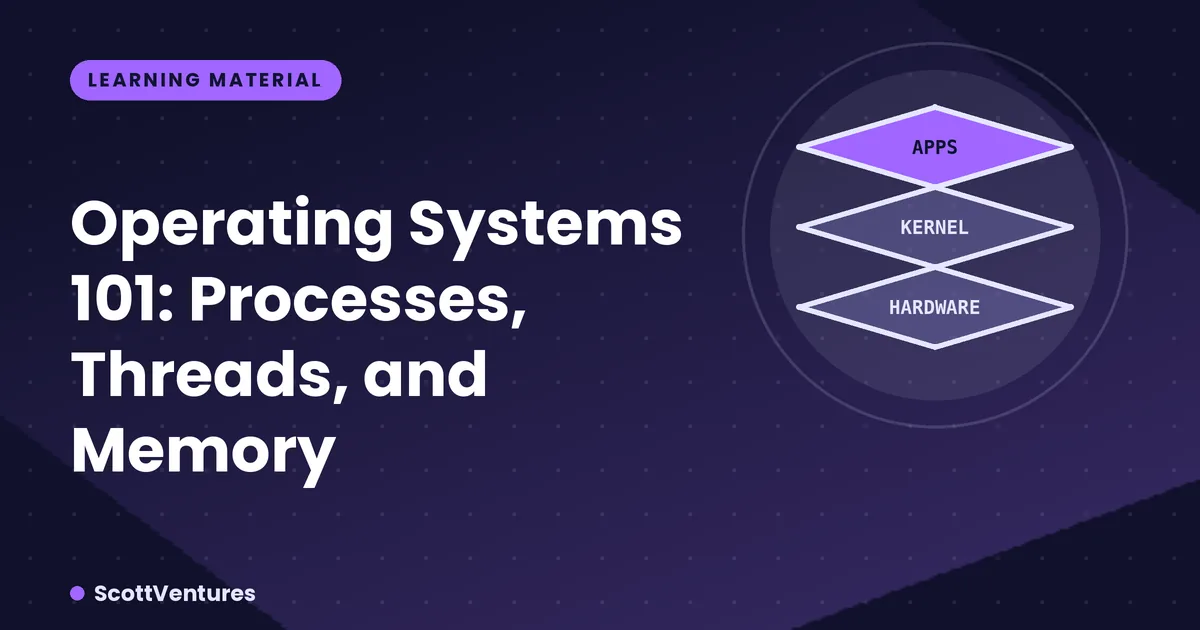
What an OS actually does
An operating system's core job is resource management: sharing one CPU, one pool of RAM, and one set of disks fairly and safely among dozens of programs that all believe they have the machine to themselves. Everything else — the desktop, the file explorer — sits on top of that.
Processes: isolated worlds
A process is a running program with its own private memory space. One process crashing doesn't (in a properly designed OS) crash another — Chrome having a problem shouldn't take down your text editor, and that isolation is enforced at the OS level, not by good behavior on the app's part.
Threads: sharing inside one process
A thread is a unit of execution within a process, and a process can have many. Unlike separate processes, threads within the same process share memory directly — which makes communication between them fast, but also means a bug in one thread (writing to shared memory incorrectly) can corrupt state for the others, since there's no isolation wall between them.
Scheduling: the illusion of parallelism
A CPU core can only truly run one instruction stream at a time. With more processes than cores — which is nearly always true — the OS scheduler rapidly switches between them, giving each a small time slice. This context-switching happens so fast (milliseconds) that dozens of programs appear to run simultaneously, even on a single-core machine.
Virtual memory: every process gets its own address space
Each process sees its own full range of memory addresses, starting at zero, regardless of where its data physically sits in RAM. The OS and CPU together translate these virtual addresses to real physical ones. This is also what makes swapping to disk possible: a page of "memory" a process is using can actually be sitting on disk, moved there transparently when RAM is under pressure.
# A rough mental model
Process A's virtual address 0x1000  →  Physical RAM address 0x7F3A2000
Process B's virtual address 0x1000  →  Physical RAM address 0x8B119000
Both processes can use the identical virtual address without conflict, because the OS maps each to a different, private physical location.
Why this matters for developers
Understanding processes vs threads is the difference between reaching for multiprocessing (true parallelism, no shared memory, more overhead) and multithreading (shared memory, faster communication, requires careful locking) when writing concurrent code — picking the wrong one is a common source of both slow programs and hard-to-reproduce bugs.
Comments