What Django REST Framework actually adds
Django on its own is built around rendering HTML templates. Django REST Framework (DRF) sits on top of it and gives you the pieces an API actually needs: serializers to convert models to/from JSON, viewsets to handle the standard CRUD operations without repeating yourself, and a browsable API for testing endpoints without leaving your browser.
Setup
pip install djangorestframework
django-admin startproject myapi
cd myapi
python manage.py startapp articles
Add both to INSTALLED_APPS in settings.py:
INSTALLED_APPS = [
    ...
    'rest_framework',
    'articles',
]
Model first
# articles/models.py
from django.db import models

class Article(models.Model):
    title = models.CharField(max_length=200)
    body = models.TextField()
    published_at = models.DateTimeField(auto_now_add=True)

    def __str__(self):
        return self.title
Run the migration:
python manage.py makemigrations articles
python manage.py migrate
Serializers: the translation layer
A serializer defines how a model turns into JSON and back. This is the part that has no direct equivalent in plain Django — it's DRF's core idea:
# articles/serializers.py
from rest_framework import serializers
from .models import Article

class ArticleSerializer(serializers.ModelSerializer):
    class Meta:
        model = Article
        fields = ['id', 'title', 'body', 'published_at']
Viewsets: CRUD without the boilerplate
Instead of writing a separate view for list, create, retrieve, update, and delete, a ModelViewSet gives you all five from one class:
# articles/views.py
from rest_framework import viewsets
from .models import Article
from .serializers import ArticleSerializer

class ArticleViewSet(viewsets.ModelViewSet):
    queryset = Article.objects.all().order_by('-published_at')
    serializer_class = ArticleSerializer
Wiring up the routes
DRF's router generates the standard REST URL patterns automatically — you don't hand-write /articles/, /articles/<id>/, and so on:
# myapi/urls.py
from rest_framework.routers import DefaultRouter
from articles.views import ArticleViewSet

router = DefaultRouter()
router.register(r'articles', ArticleViewSet)

urlpatterns = [
    *router.urls,
]
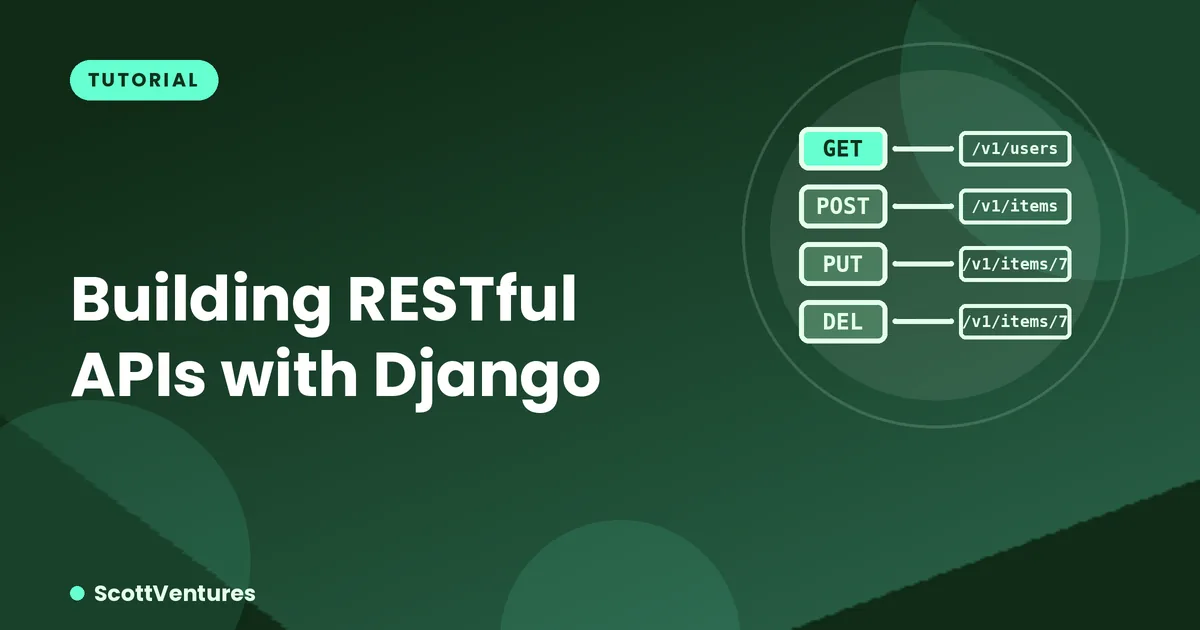
That's a complete, working API: GET /articles/ lists them, POST /articles/ creates one, GET /articles/3/ retrieves one, PUT/PATCH updates it, DELETE removes it — all from roughly 25 lines of code total.
Permissions — don't skip this
By default, a fresh DRF setup often allows anyone to hit every endpoint, including writes. Lock it down explicitly:
from rest_framework.permissions import IsAuthenticatedOrReadOnly

class ArticleViewSet(viewsets.ModelViewSet):
    queryset = Article.objects.all()
    serializer_class = ArticleSerializer
    permission_classes = [IsAuthenticatedOrReadOnly]
This is the single most common security gap in a first DRF project: an API that works perfectly in testing because nobody's tried to abuse it yet.
What to learn next
Once basic CRUD feels natural, the next real-world pieces are authentication (token or JWT-based, since session auth doesn't fit most API clients), pagination (don't return 50,000 rows in one response), and nested serializers for relationships between models. All three come up in practically every production API.
Comments