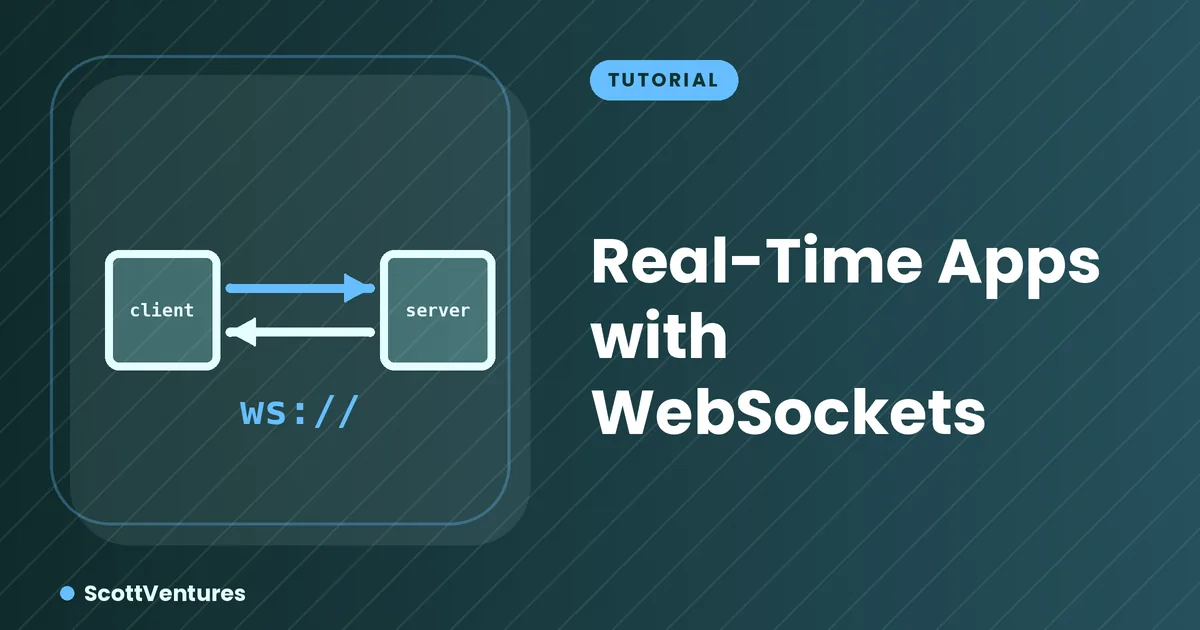
An HTTP request is a one-shot exchange: the client asks, the server answers, the connection closes. A WebSocket stays open, letting either side send a message at any time — which is exactly what live chat, notifications, and collaborative editing need.
The handshake, briefly
A WebSocket connection starts as a normal HTTP request with an Upgrade: websocket header. If the server agrees, the connection switches protocols and stays open — no repeated polling required from that point on.
A minimal server with Socket.IO
npm install socket.ioconst { Server } = require('socket.io')
const io = new Server(3000, { cors: { origin: '*' } })
io.on('connection', (socket) => {
console.log('A user connected')
socket.on('chat message', (msg) => {
io.emit('chat message', msg)
})
socket.on('disconnect', () => {
console.log('A user disconnected')
})
})io.emit sends a message to every connected client; socket.emit would send only to the one client that triggered it. That distinction is the whole basis of a broadcast chat feature.
The client side
const socket = io('http://localhost:3000')

document.querySelector('#send').addEventListener('click', () => {
  const msg = document.querySelector('#input').value
  socket.emit('chat message', msg)
})

socket.on('chat message', (msg) => {
  const li = document.createElement('li')
  li.textContent = msg
  document.querySelector('#messages').appendChild(li)
})
Every connected browser tab runs this same code — when one sends a message, the server rebroadcasts it, and every tab's chat message listener fires, including the sender's own.
Plan for reconnects. Mobile networks drop connections constantly. Socket.IO reconnects automatically by default, but your app logic should assume a gap can happen mid-conversation and resync state (missed messages, current room) once the connection returns.
When to reach for this vs. polling
If updates are infrequent (checking for new email every 30 seconds) plain polling is simpler and good enough. WebSockets earn their complexity when updates are frequent and genuinely need to feel instant — chat, live cursors, multiplayer state, stock tickers.
Comments